A robot cell can be in perfect working order and still be down, because the teach pendant is unusable. Cracked screen, dead touch layer, broken cable, intermittent enable switch: any one of these stops programming and jogging, which stops the cell.
Replacement pendants are expensive and, on older platforms, sometimes unavailable at any price. Refurbishment is the practical alternative, and for most failure modes it restores the unit to a genuinely serviceable state.
This guide covers what pendant refurbishment involves, the failures that make it worthwhile, and how to decide between refurbishing and replacing. For hands-on repair steps, firmware updates and post-repair calibration, see our teach pendant repair and calibration guide.
Why Teach Pendants Fail More Than the Robot
Pendants live a harder life than almost anything else in a robot cell. They get handled constantly, dropped occasionally, dragged across the floor by the cable, and exposed to whatever is in the air on that line: coolant mist, weld spatter, dust, or cleaning chemicals.
The robot itself sits in a fixed position doing a repeatable motion. The pendant is a handheld device in an industrial environment. It fails first, and it fails predictably.
Common Teach Pendant Failure Modes
Display and Touchscreen
The most common category by a wide margin.
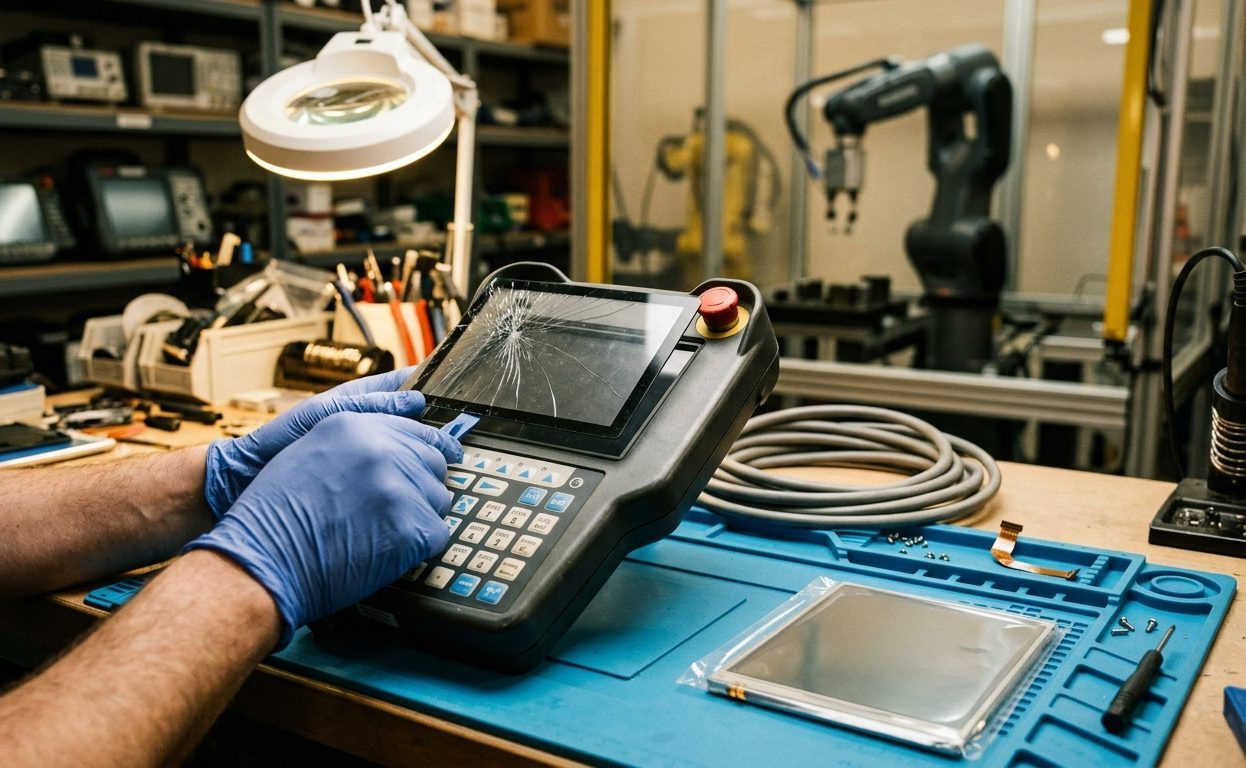
- Cracked glass or damaged digitizer from drops and impacts
- Dead or unresponsive touch zones, often in the areas used most
- Backlight failure: display readable only at an angle or in bright light
- Delamination where the touch layer separates from the display
Screen and digitizer replacement is a well-established repair on most platforms, and it addresses the majority of pendant faults we see.
Cable and Strain Relief
Pendant cables flex constantly and eventually fail, usually at the strain relief where the cable enters the pendant body or the controller connector. Symptoms are intermittent: the pendant drops out when the cable is moved, or works in one position and not another. Because the fault is intermittent, it's often misdiagnosed as a controller problem.
Connectors and Contacts
Repeated connect and disconnect cycles wear pin contacts. Corrosion from humidity or contamination adds resistance. Both produce communication faults that look like a failed pendant but are a connector issue.
Membrane Keypads and Buttons
Tactile keys wear out. Membrane layers crack. Frequently used keys (jog, enable, speed) fail first. Keypad overlay replacement restores full function without touching the electronics.
Enable Switch and Safety Circuits
Three-position enable devices and emergency stop circuits are safety-rated components with a finite mechanical life. These require correct replacement parts and careful verification. This is not an area for improvisation.
Internal Board Faults
Less common than the mechanical failures above, but power supply sections, communication interfaces, and processor boards do fail. These are circuit board repairs at component level.
What Refurbishment Involves
A proper refurbishment goes further than fixing the presenting fault:
- Full functional assessment: every key, the complete touch surface, the enable switch, communications, and the cable across its full range of movement
- Disassembly and internal inspection for contamination, corrosion, and damage that hasn't yet caused a fault
- Component replacement: screen, digitizer, keypad overlay, cable assembly, or connectors as required
- Cleaning of internal assemblies and contacts
- Reassembly with correct sealing so the environmental rating is preserved
- Functional testing against a controller, including verification of safety circuits
That last point matters. A pendant that passes a bench power-up may still fail on the robot, and the enable and E-stop circuits must be verified as functional before the unit goes back into service.
Refurbish or Replace?
Refurbishment usually wins when:
- The platform is discontinued or replacement lead times are long
- The failure is mechanical: screen, keypad, cable, connector
- The pendant is one of several identical units and you want spares
- Cost of replacement is high relative to the value of the cell
Replacement makes more sense when:
- The pendant has sustained severe impact damage across multiple assemblies
- The robot controller is being upgraded and the new platform requires a different pendant
- Safety-rated components can't be sourced to specification
For a broader view of this decision across automation equipment, see our guide to repair versus replacement.
Reducing Pendant Failures
Simple practices meaningfully extend pendant life:
- Provide a holster or docking point. Most drops happen because there's nowhere to put the pendant down.
- Never pull the pendant by its cable. This is the single largest cause of cable and strain relief failure.
- Keep a spare where it matters. On a critical cell, a refurbished spare pendant costs far less than the downtime it prevents.
- Clean the screen appropriately. Solvents degrade touch layers and screen coatings, so use what the manufacturer specifies.
- Inspect the cable on a schedule. Look for kinking, abrasion, and stiffness at the strain relief before it fails.
Teach Pendant Repair and Refurbishment in Ontario
KAIN Automation repairs and refurbishes teach pendants for robotic systems from all major manufacturers, including screen and digitizer replacement, cable assemblies, keypad overlays, and internal board repair.
If a pendant is holding up a cell, get in touch. Most faults are repairable, and turnaround is usually days rather than the weeks a replacement would take.