Servo drives are the heartbeat of precision automation. When they fail, everything else stops. Production freezes, motors take damage, and the costs of downtime add up fast. In Southern Ontario, from CNC shops to food packaging plants, keeping these drives running is non-negotiable.
This guide covers common faults and what those confusing error codes actually mean. You will learn about servo drive troubleshooting, when it makes sense to repair a drive, and when it is better to buy a new one. Our goal is to help you manage your automation gear, including PLCs and HMIs, without the stress of unexpected breakdowns.
Why Servo Drive Issues Are a Top Priority
Your servo drives, PLCs, and HMIs are the foundation of your production line. But as machines age, they break more often. Parts become harder to find, and the equipment becomes less reliable. For shops in Southern Ontario, where staying productive is the only way to compete, this is a vital business choice.
Most manufacturers in Canada eventually need to decide whether to fix old equipment or buy new. We created this guide to help you check the life of your equipment. It helps you compare costs, weigh the risks, and make a smart choice for your long-term profits.
Understanding Servo Drives and Common Failure Points
Servo drives control how your motors move. They manage speed, torque, and position with great accuracy. But like any machine part, they wear out. Heat, electrical surges, and dust are their biggest enemies. When a drive fails, it often leads to servo motor problems and long hours of lost production.
Most Common Failure Modes:
- Power spikes: Excessive current can fry internal components or blow fuses.
- Feedback loss: A damaged cable or a bad encoder stops the drive from knowing where the motor is.
- Overheating: If a cooling fan stops or the vents get dusty, the drive will shut itself down to prevent damage.
- Short circuits: Moisture or metal dust can bridge connections on the circuit board.
- Connection drops: The drive loses touch with the PLC, and the machine stops responding.
These issues can quickly lead to servo motor failure, triggering unplanned downtime and costly repairs. Understanding these risks is critical to preventing downtime in industrial automation.
Top 10 Servo Drive Error Codes (and What They Actually Mean)
When a drive encounters an issue, it displays an error code. These codes point you toward the problem. While codes vary by brand (e.g., Parker, Control Techniques, Yaskawa, Allen-Bradley), the underlying issues are usually identical. Servo drive troubleshooting starts with knowing what these messages mean.
| Error Code | Meaning | Likely Cause |
|---|---|---|
| E01 | Overvoltage Fault | Power supply spike or regen |
| E02 | Overcurrent Fault | Motor short, overload |
| E04 | Encoder Fault | Damaged cable or feedback |
| E05 | Overtemperature | Failed fan or blocked airflow |
| E06 | Communication Timeout | PLC or network drop |
| E08 | Control Board Error | Internal board failure |
| E10 | Phase Loss | Loose wiring or blown fuse |
| E14 | Brake Release Fault | Mechanical jam or wiring |
| E21 | DC Bus Undervoltage | Power dip or supply fault |
| E30 | EEPROM Error | Corrupted parameters |
Not every manufacturer uses the same scheme. Control Techniques Unidrive models report hardware faults as HF codes rather than E codes — an HF84 trip, for example, points to a current offset trim failure, which usually traces back to the power PCB rather than the motor. The case study further down covers exactly that fault.
If you see these codes, we can help you figure out the best fix using professional diagnostic tools. Often, these problems also relate to your VFDs, as many of the troubleshooting steps are similar.
Troubleshooting: How to Diagnose a Failed Drive
If a drive stops working, follow these steps to find the root cause:
- Look for physical damage: Check the terminals for loose wires. Look for burn marks or dust buildup on the fans.
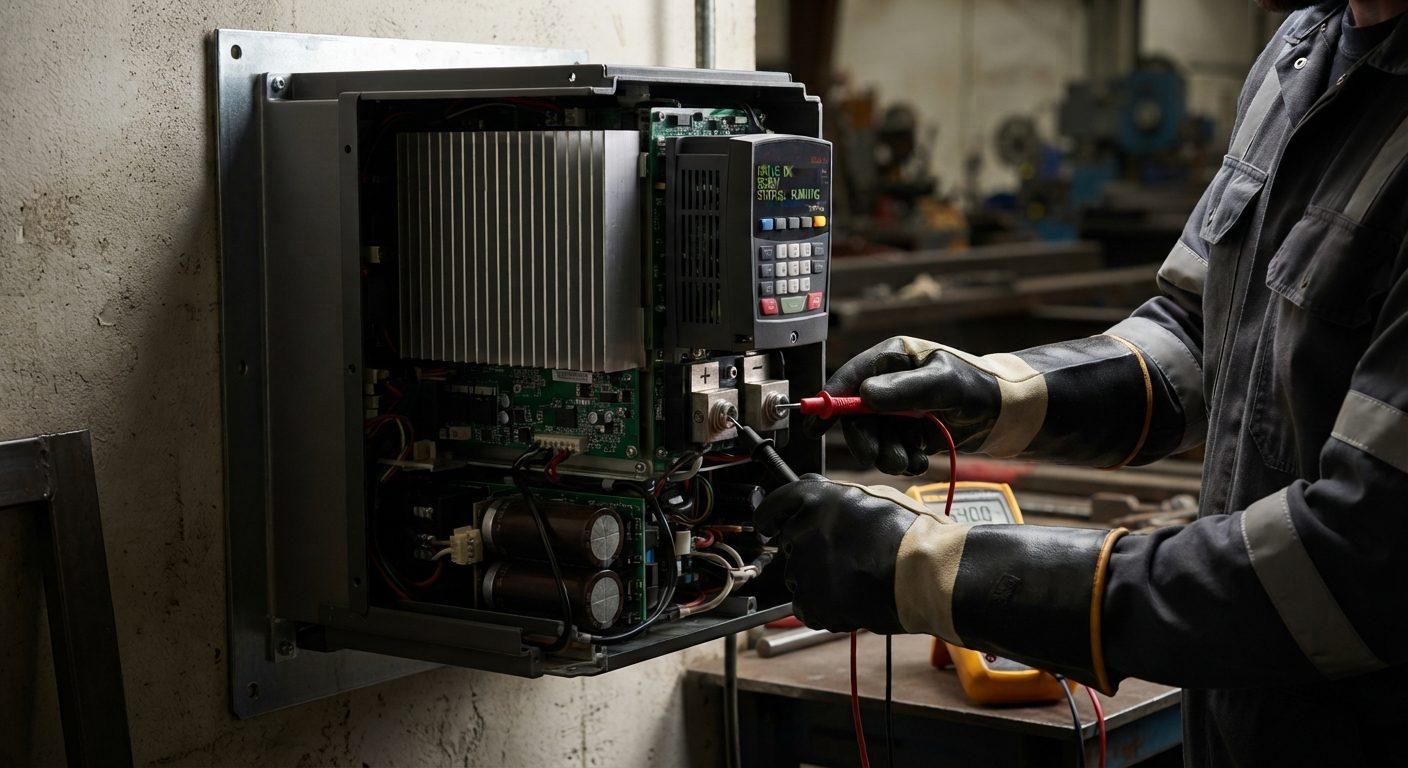
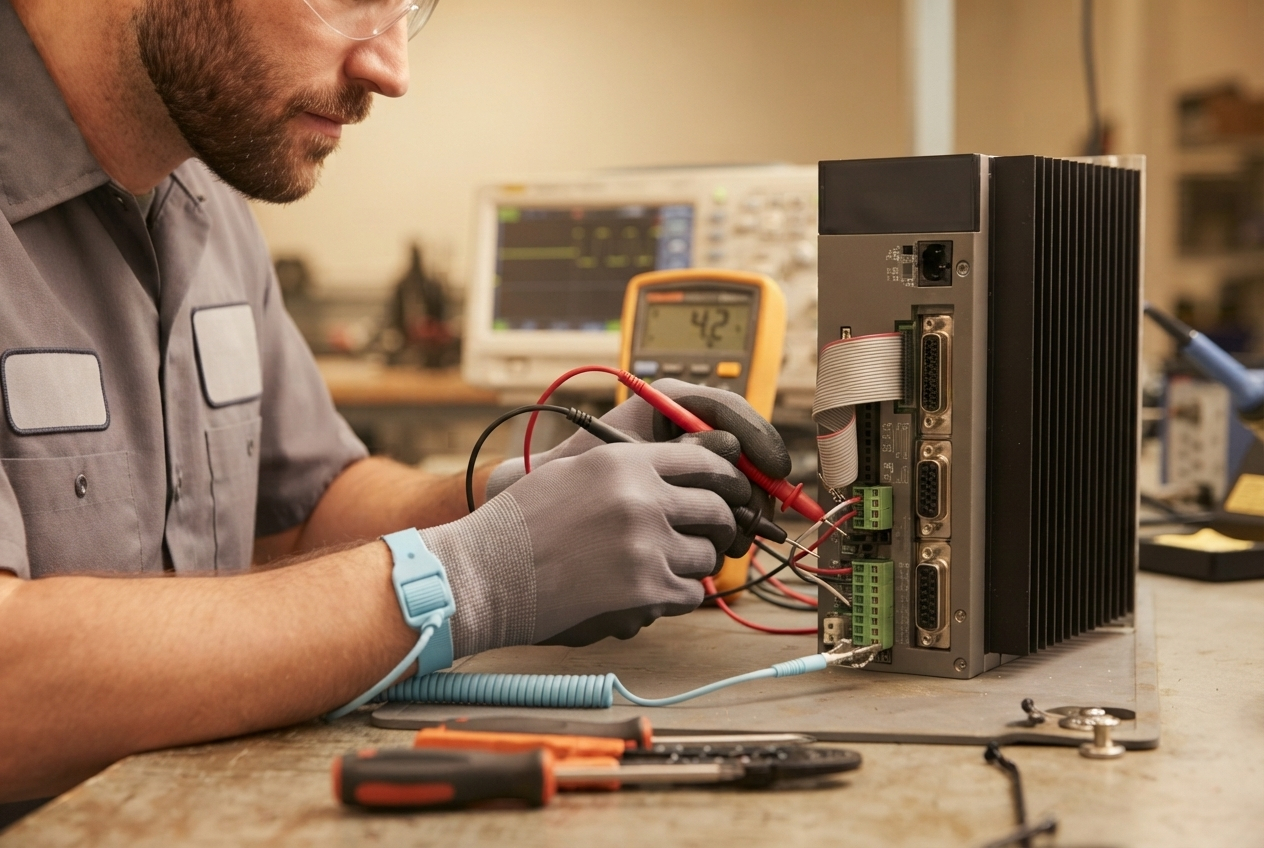
- Check the power: Use a meter to verify the voltage. Blown fuses are a common sign of a larger electrical problem.
- Test the feedback loop: Use an oscilloscope to verify the encoder signal. A messy signal usually means a bad cable.
- Test the internal components: Check the power modules (IGBTs) with a multimeter to see if they have shorted out.
- Inspect the cooling system: Make sure the fans spin freely, and the heatsinks are clean.
- Read the history: Check the fault logs in the drive or the PLC to see if the error has happened before.
This process supports both servo drive repair and VFD troubleshooting, since many steps apply to both.
Safety first: Always use appropriate PPE and follow lockout/tagout procedures.
How Servo Drives Integrate with Automation Systems
Servo drives are not standalone devices. They work with a PLC, an HMI, and a motor. The PLC sends a command, the drive executes the movement, and the encoder sends data back to confirm the position. PLC troubleshooting often starts with checking the drive.
In a packaging line, one drive might control a labeller while another moves the conveyor. If one drive loses its timing or stops responding, the entire line goes out of sync. This is why a small fault in a single drive can cause a massive backup in production.
A servo drive does not fail in isolation — it sits in a panel alongside the PLC, contactors and terminal blocks that depend on it.
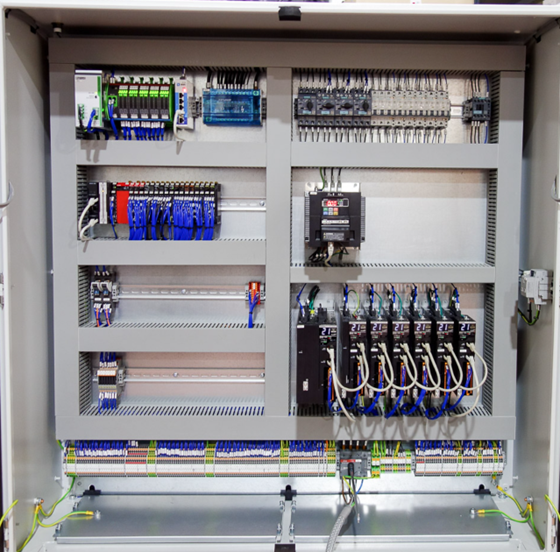
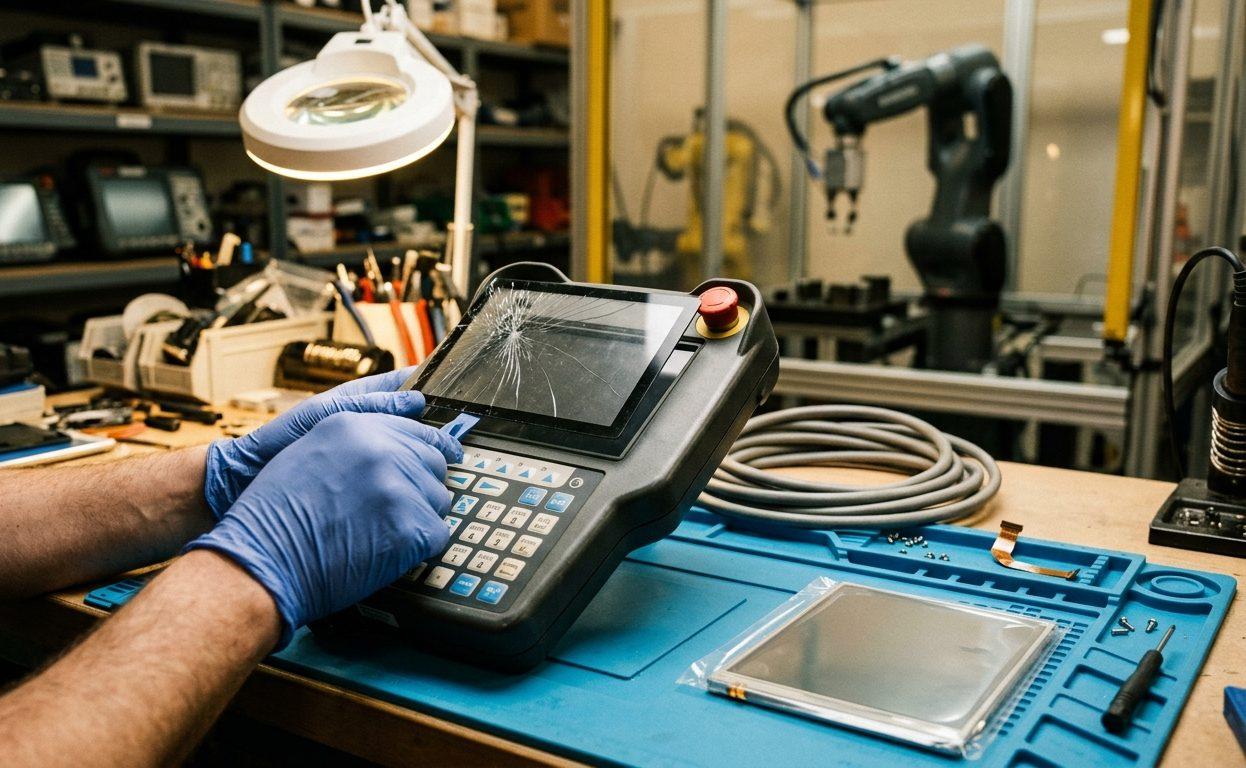
At KAIN Automation, we regularly service servo systems across Southern Ontario that feature Parker, Control Techniques, Yaskawa, Allen-Bradley, and Mitsubishi drive platforms. Our services include full automation equipment repair, PLC troubleshooting, and HMI repair and diagnostics.
Common Missteps When Attempting DIY Servo Drive Repairs
While it may seem cost-effective to handle servo drive issues in-house, attempting to fix a complex servo drive without the right tools often results in further damage. These are common mistakes made during DIY servo drive troubleshooting and repair attempts:
- Static damage: Handling circuit boards without static protection can instantly destroy sensitive components.
- Wrong parts: Using generic components that do not match the original specs can cause the drive to fail again under load.
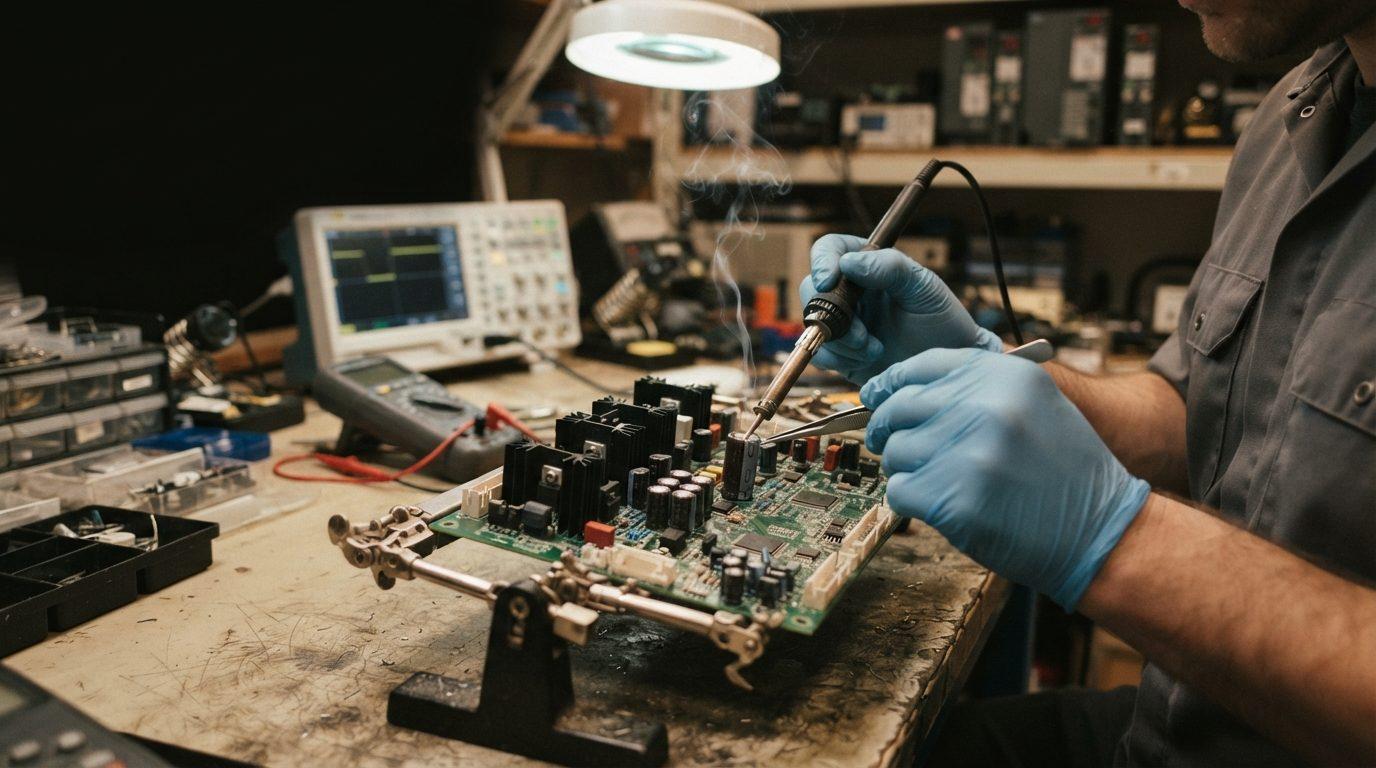
- Bad soldering: Modern circuit boards have many layers. Poor soldering can cause bridging or lifting of pads, making the board unrepairable.
- Skipping the setup: If you swap a part without resetting the internal parameters, the drive may act erratically or crash the machine.
One of the most overlooked risks is ignoring the signs that your servo motor needs repair. What starts as a minor alarm can escalate into a major fault if untreated.
What Causes Premature Servo Drive Failure?
Understanding the root causes of servo drive failure helps you build stronger maintenance practices. Common culprits include:
- Power surges or unstable mains voltage: A sudden spike can damage power modules or blow fuses instantly.
- Poor ventilation or blocked airflow: Drives often fail due to overheating, especially in dusty environments or tight cabinets.
- Environmental exposure: High humidity, dust, and vibration gradually degrade circuit boards and connectors.
- Neglected cooling fans: Worn or seized fans reduce thermal efficiency, leading to thermal shutdowns or permanent damage.
- Improper grounding: Can introduce electrical noise, disrupt communication, or cause erratic motor behaviour.
Regular inspections and automated preventive maintenance strategies help prevent these costly failures. These efforts are key to minimizing industrial automation downtime.
Servo Drive Repair vs. Replacement: What Makes Financial Sense?
Choosing to repair a drive usually saves both time and money. In many cases, a repair costs only 10% to 20% of the price of a new unit. This is especially true for older or discontinued models, where a replacement might require you to rewire the cabinet or rewrite your PLC code, such as the Parker HPD25 or HPD45.
| Scenario | Recommended Action |
|---|---|
| Minor fault, readily available parts | Repair |
| Obsolete model, no parts available | Replace or retrofit |
| Recurring errors despite previous fixes | Replace |
| Drive controls multiple axes | Prioritize repair |
Case Study: $28,000 Replacement Avoided with a 24-Hour Servo Drive Repair
A mid-sized food packaging plant experienced frequent shutdowns on a critical servo-controlled conveyor line. The Control Techniques UNI3405 servo drive was experiencing an HF84 trip fault. Replacement quotes exceeded $28,000 with a two-week lead time.
KAIN Automation removed the drive and tested it on a custom bench setup. The root cause was traced to a current offset trim failure caused by a defective power PCB. Our technicians replaced the faulty components, cleaned and reseated the terminals, and re-tested the unit under simulated load.
The drive was back in service within 24 hours, avoiding both an extended outage and thousands in expedited freight and replacement costs.
Why Choose Servo Drive Repair Over Replacement — with Cost Scenarios
Repairing a servo drive is not only more cost-effective but also often faster and smarter. Here's how it breaks down:
| Drive Model | New Cost (CAD) | Typical Repair Cost | Lead Time (New) | Lead Time (Repair) |
|---|---|---|---|---|
| Parker HPD25 | $9,000 | $1,300 | 3–5 weeks | 3–5 business days |
| Parker HPD45 | $11,000 | $1,500 | 4–6 weeks | 3–5 business days |
Downtime costs far more than most maintenance budgets assume. ABB's Value of Reliability survey of more than 3,200 plant maintenance decision-makers puts the median cost of unplanned downtime at roughly USD $125,000 per hour across industrial sectors, and around USD $85,000 per hour in food and beverage. On high-throughput lines the figure runs considerably higher. Against numbers like those, the choice between a five-day repair and a five-week replacement is rarely a close call.
Replacement may also require control rewiring, program reloads, and mechanical adjustments, not to mention the risk of lead time in today's supply chain environment.
This type of smart decision-making supports long-term industrial control systems health while optimizing your overall automation equipment repair budget.
Preventive Maintenance Tips
You can avoid many drive failures with a few simple habits:
- Clean the fans: Dust blocks airflow, causing drives to overheat. Clean them every three months.
- Track your errors: If a drive throws the same code twice, investigate it before it fails completely.
- Check the wiring: Vibrations can loosen terminals over time. Tighten them during your annual inspections.
- Keep spares: Store extra fuses, encoders, and fans in your inventory to speed up minor fixes.
- Back up your settings: Save your drive parameters before you start any service work.
Implementing a consistent preventive maintenance automation plan dramatically reduces unexpected downtime and protects your capital investment.
DIY Servo Drive Repairs vs. Professional Help
While basic tasks (fan replacement, tightening terminals) can be done in-house, most servo drive failures involve:
- Surface-mount components
- Gate driver boards
- Custom firmware
- Load testing equipment
Attempting DIY repairs on a failed HPD drive without proper tools risks further damage or voiding potential warranty support. Whether you're dealing with a servo drive repair, a PLC troubleshooting issue, variable frequency drive problems, or HMI repair procedures, expert support ensures success.
Reliable Drives Power Reliable Plants
Servo drive failures are expensive, but they don't have to ruin your week. By learning the error codes and acting early, you can turn a potential disaster into a quick fix. If you need help with a diagnosis or a professional servo drive repair, KAIN Automation is here to support shops across Southern Ontario.
Ready for a professional diagnosis? Get expert repair service now.